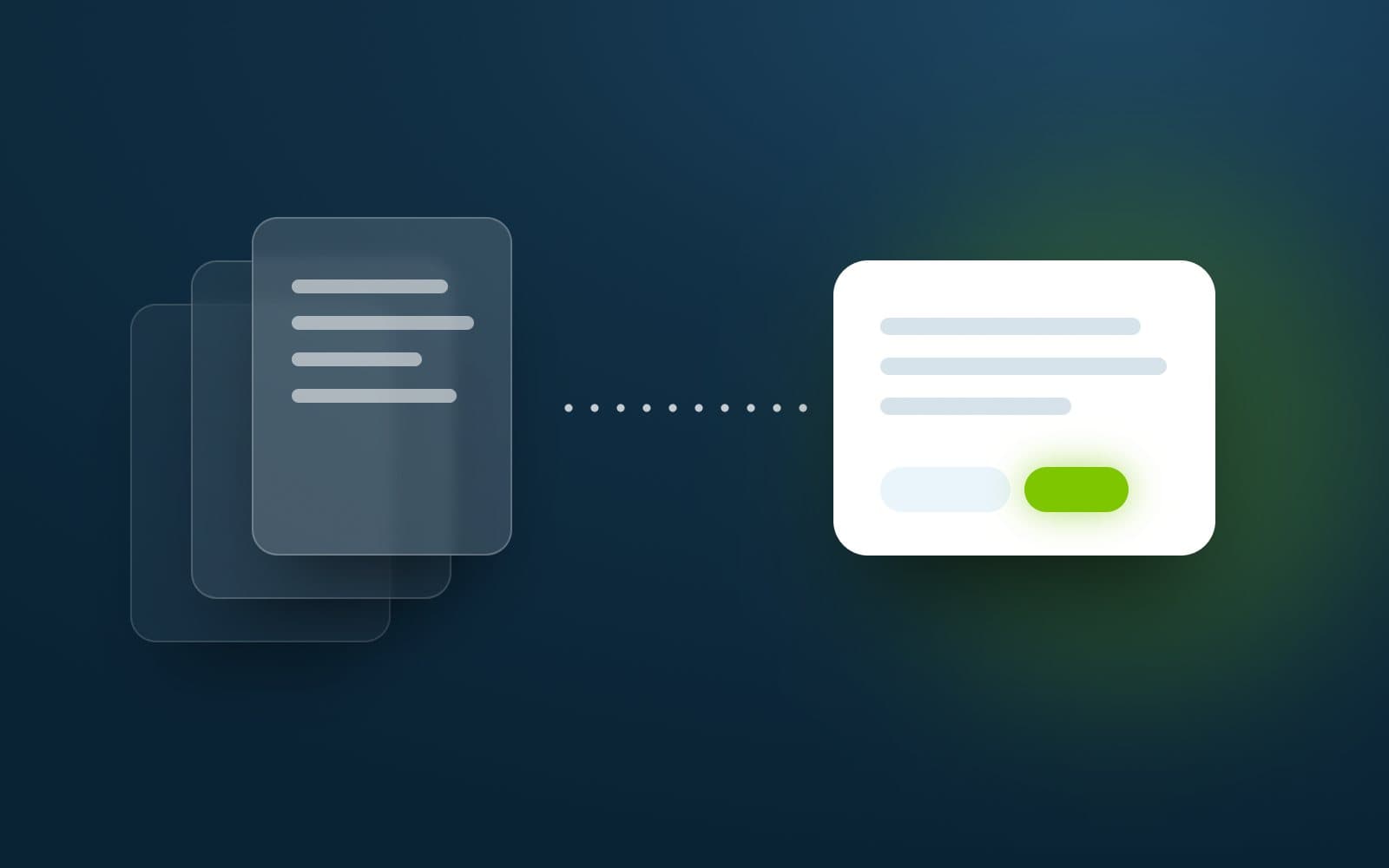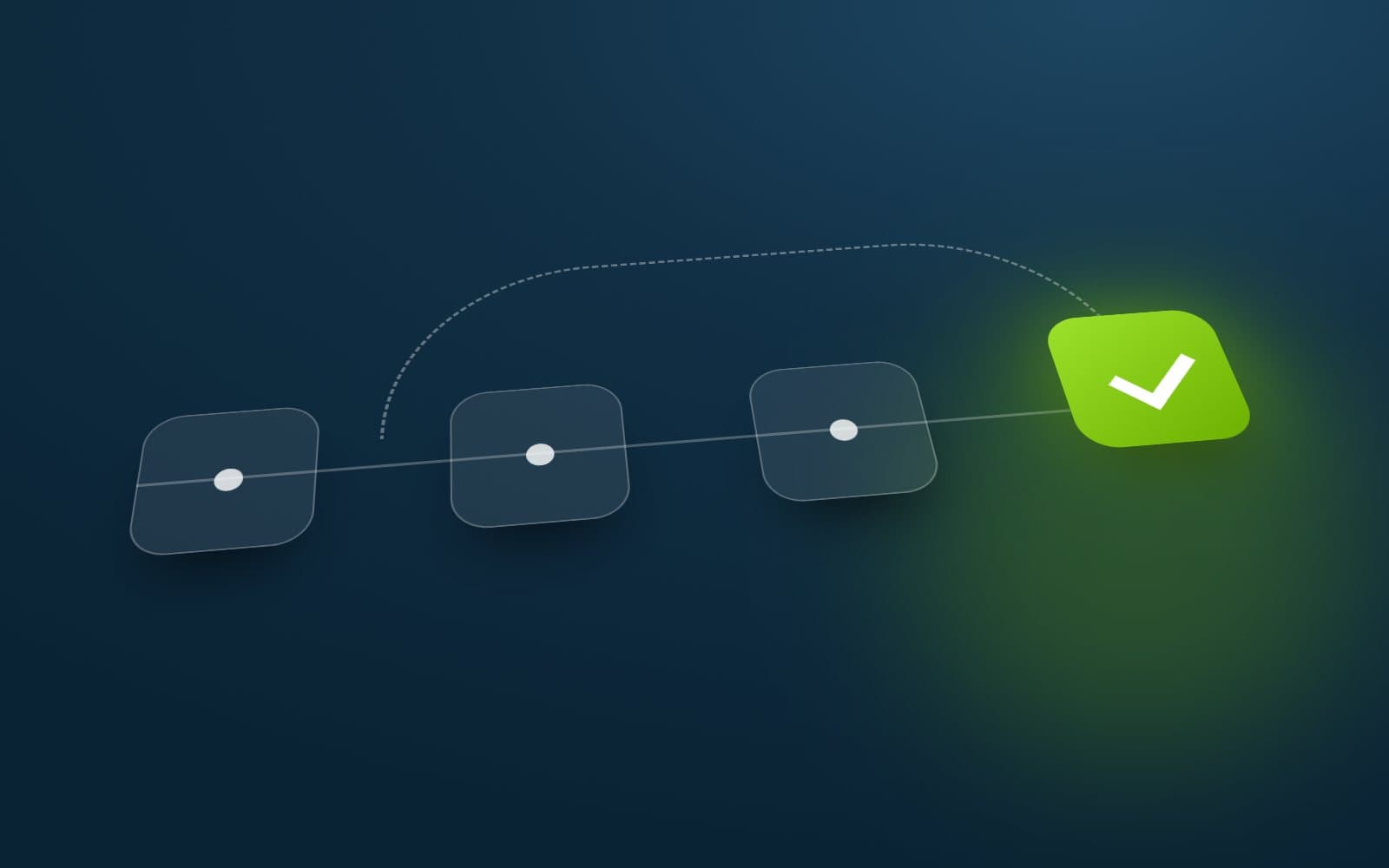
An AI workflow is production-ready when it is integrated with the systems people actually use, its quality is measured on real cases against an agreed bar, failures are handled safely, its permissions are bounded, its actions are observable, its cost and speed are acceptable, and someone owns it after launch.
Why prototypes look better than they are
A prototype is usually tested on friendly examples by the people who built it. It runs on clean inputs, in a controlled setting, with someone watching who knows how to work around its weaknesses. It is supposed to show what is possible, and it does.
Production is different. It means unfamiliar inputs, edge cases, real users who did not build it, systems that occasionally fail, and consequences when something goes wrong. Most of the work between a prototype and production is not the model. It is everything around it.
What production-ready means
A workflow is ready for real business use when it can answer “yes” to each of these.
- Integrated with the systems where the work actually happens.
- Evaluated on representative, real cases, with a quality bar agreed in advance.
- Clear failure handling: it knows what to do when an input is unreadable, a step fails or confidence is low.
- Bounded permissions: it can only do what it needs to, and consequential actions need approval.
- Access control and data boundaries that match the business.
- Logging and monitoring, so anyone responsible can see what it did and why.
- Acceptable cost and speed at real volumes.
- An owner, a feedback route and a plan for change after launch.
Integrate where the work happens
A workflow that lives in a separate tool creates extra steps: copying inputs in, copying outputs out. That friction erodes the time saved and introduces errors. Production workflows read from and write to the systems the team already uses, such as the inbox, the ticketing system, the CRM or the document store.
Integration also brings responsibilities. Every connection needs appropriate credentials, sensible rate limits and a defined behaviour when the other system is unavailable.
Define quality before building
“It seems to work” is not a quality bar. Before building the production version, agree what good looks like in measurable terms and how it will be checked.
- Build a test set from real cases, including difficult and unusual ones.
- Decide which errors matter most. A missed field may be minor; a wrong amount may not be.
- Set thresholds for when output can proceed automatically and when it needs review.
- Re-run the test set whenever prompts, models or logic change.
Design for failure
Every automated step should have a defined failure state. When an input cannot be read, an external system does not respond or the model is not confident, the workflow should stop safely, flag the item and hand it to a person rather than guess and carry on.
Treat partial failures carefully. If a workflow has already completed three of five steps, it should be clear what has happened, what has not, and how to resume or reverse it. Silent failures, where something goes wrong and nobody is told, are the most damaging kind.
Bound what it can do
The more a workflow can do, the more careful its design must be. Workflows that take actions, such as updating records, sending messages or triggering payments, need firm limits.
- Give it the minimum permissions needed for its task, and no more.
- Restrict the tools and systems it can use to an approved list.
- Require a person to approve actions with financial, legal or customer impact.
- Set limits on volume and scope, so a fault cannot repeat thousands of times.
- Treat content from emails, documents and websites as untrusted input that cannot change its instructions.
Make it observable
If nobody can see what the system did, nobody can trust it, and nobody can fix it. Record inputs, intermediate steps, outputs and decisions in a form the business can review, not just engineers.
Useful views include a list of items processed with their outcome, the items that needed review and why, error rates over time, and the ability to open any single case and see exactly what happened.
Treat cost and speed as design constraints
A workflow that is accurate but too slow or too expensive at real volume is not production-ready. Measure both on realistic workloads before launch.
- Use the smallest model that meets the quality bar for each step.
- Avoid sending more content to the model than the step needs.
- Use conventional code for steps that do not need AI.
- Process in the background where people do not need an immediate result.
Plan for change
Models are updated, providers change their offerings, source systems are upgraded and business rules evolve. A production workflow should expect this.
Keep prompts, configuration and model choices under version control. Re-run the evaluation set before any change goes live. Where possible, design so the model can be swapped without rewriting the workflow.
Give it an owner and plan for after launch
Every production workflow needs a named owner in the business, not only in the technical team, who is accountable for its results.
Measure against the original business outcome, collect feedback from the people who use it, and review failures on a regular schedule. A production AI system is maintained, not finished.